Separate 'Seeing the Item' from 'Confirming Variants' When looking for Duaa activewear on fashionreps, a category page only shows that a candidate appeared in brand filter results. It does not automatically confirm whether color, size, style, or set fields have been verified. A more reliable approach is to use the website for discovery and page revisits, and Google Sheets to record which step each candidate is currently at. A
Separate 'Seeing the Item' from 'Confirming Variants'
When looking for Duaa activewear on fashionreps, a category page only shows that a candidate appeared in brand filter results. It does not automatically confirm whether color, size, style, or set fields have been verified. A more reliable approach is to use the website for discovery and page revisits, and Google Sheets to record which step each candidate is currently at.
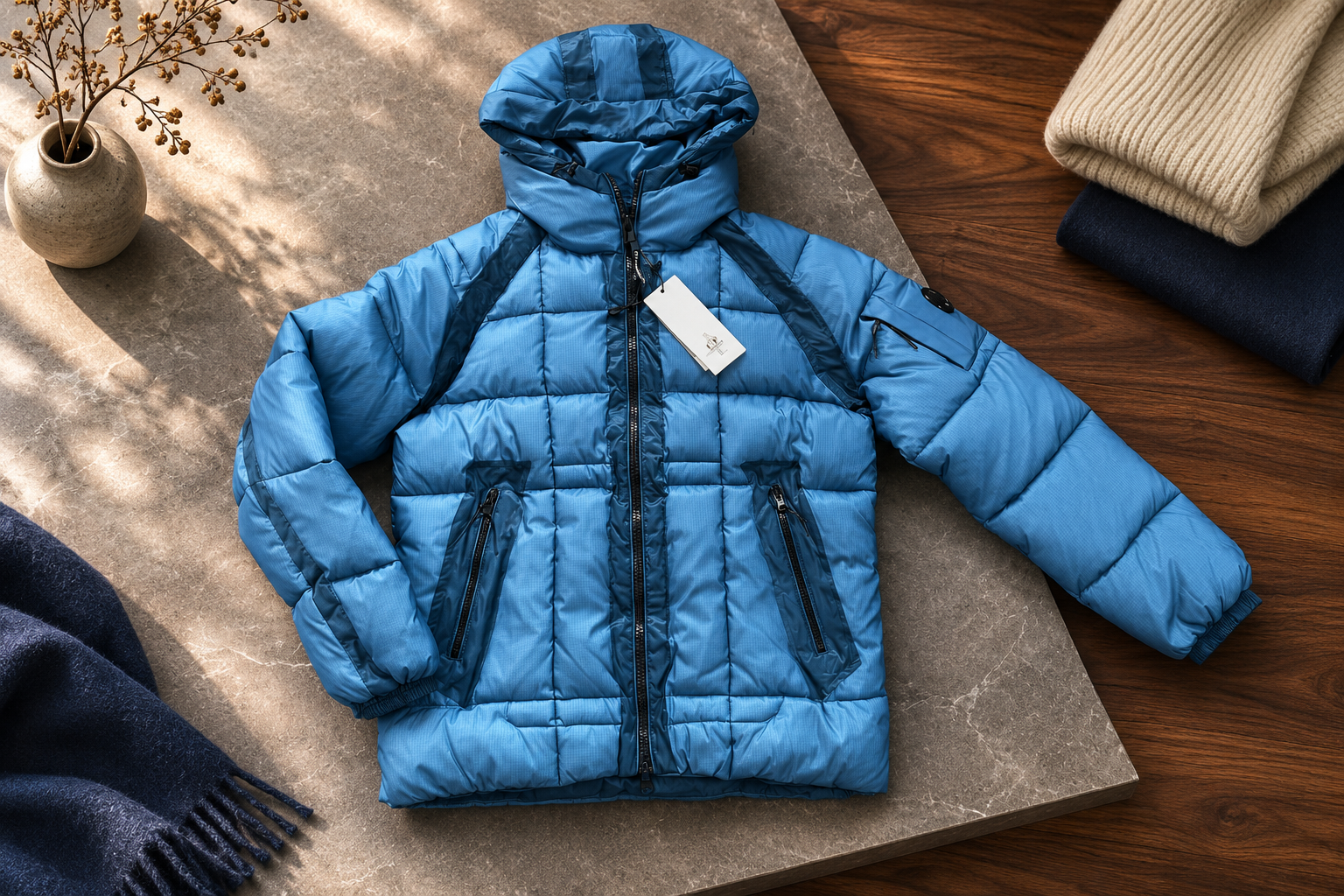
As of November 1, 2026, the fashion-reps Duaa brand page shows 1 product card with the title "DUAA Multicolor Rhinestone Graphic Tees in a Loose, Cotton-Listed Spring 2026 Cut", and the page also displays a QC entry point. This result should only be treated as catalog discovery evidence, not as proof of inventory, purchase availability, or specific variant status.
Create One Row per Candidate
Don't merge items by brand first. If the product title, image, link, or variant fields differ, create a separate row. This prevents similar cards of the same brand from overwriting each other during later review.
At minimum, keep these fields:
- Candidate ID
- Full product title as shown on the website
- Color or appearance description seen on the catalog page
- Size field shown on the detail page
- Style, set, or other variant fields
- Presence of product image entry point
- Product link
- Presence of QC entry point
- Query time
- Current status
- Missing fields
- Next review note
Record the product title exactly as it appears on the page; don't simplify similar titles into one abbreviation for convenience. If two candidates differ only in color or image, keep them as separate rows and note in remarks that they may be similar, rather than merging them directly.
Use a Status Column to Hand Off Review Tasks
Set up a "Current Status" column in Google Sheets and restrict each row to a single selected status. Status names should describe evidence progress, not purchase conclusions.
| Status | Applicable Condition | Next Action |
|---|---|---|
| Seen in catalog | Candidate only appears on brand page or catalog card | Open the detail page and record page fields |
| Detail opened | Detail page can be opened, but variants are not yet fully confirmed | Check color, size, style, or set fields |
| Variant selected | Page clearly shows the variant fields to record | Save the corresponding fields and query time |
| QC entry exists | Page shows a QC entry point, but that does not mean variants are confirmed | Save the QC entry point separately from the candidate link |
| Field missing | Page only shows images or partial info, lacking key specifications | Write in the missing fields what is not displayed |
| Needs re-confirmation | Page status, link, or variant correspondence is still unstable | Reopen the page and update later; don't jump to conclusions |
The same row can keep "QC entry exists" as an evidence field, but "Current Status" should still reflect the next actual task. For example, if the page has a QC entry point but no size field, the current status should be "Field missing", not "Variant selected" just because a QC entry point exists.
Re-confirm Color and Size on the Detail Page
The catalog card is good for discovering candidates; the detail page is where you verify fields. After opening the detail page, check in this order:
- First confirm whether the page title still matches the catalog record.
- Then record the color or appearance name explicitly shown on the page.
- Check whether size appears as text, options, or another clear field.
- Look for style, set, or model fields.
- Record image entry point and QC entry point separately; don't treat the image itself as complete spec proof.
- Save the query time and write any uncertainties into missing fields or review notes.
If the page only shows product images with no readable color or size fields, keep the "Field missing" status. Don't fill in specs based on image color, cut, or other cards of the same brand, and don't copy the size from a previous record into the current candidate.
If the detail page title doesn't match the catalog card after opening, keep the original catalog record first, then add or update the corresponding candidate; don't overwrite directly. Only when page evidence clearly proves they are the same candidate can you establish an association in the remarks.
Manage Website Review Results with Google Sheets
The website's role is browsing and revisiting: discovering evidence through brand filters, catalog cards, detail pages, image entry points, and QC entry points. Google Sheets' role is organizing and handing off: filter records by status to review, see which rows lack size, distinguish candidates with only image evidence, and let the next reviewer know where to continue.
You can set filter views in the sheet, for example, showing only "Seen in catalog" and "Needs re-confirmation" to first handle candidates whose detail check is incomplete; or filter "Field missing" to focus on records that cannot be further filled. When collaborating, everyone should update the same row's status, query time, and review note, avoiding leaving conclusions only in chat messages that cannot be matched to candidates.
Separate "evidence fields" from "judgment fields":
- Evidence fields record the actual title, image entry, QC entry, and variant text displayed on the page.
- Judgment fields only record current status, missing fields, and next action.
- Don't set conclusions like "in stock", "worth buying", or "suits someone" that are not supported by page evidence.
- Don't treat reference price, inventory, shipping, or purchase feasibility as variant confirmation results.
Don't Rush to Merge Similar Cards
The goal of deduplicating similar cards is to reduce redundant work, not to reduce the number of rows. At least compare the following before merging:
- Whether full product titles are identical
- Whether product links are identical
- Whether main images or detail images correspond
- Whether color, size, or style fields are consistent
- Whether query times are close
If only the brand and rough category are the same, but titles, images, or links differ, continue keeping separate records. If two links ultimately point to the same page, you can mark "suspected same candidate" in the remarks, but keep the original discovery source until detail page evidence supports merging.
If merged records later turn out to have fields from different pages, split them back into separate rows and restore the corresponding statuses separately. This prevents one candidate's size or image entry from being mistakenly applied to another similar candidate.
When to Stop Filling and Keep as Pending Verification
Stop making specific assertions in the following situations:
- The page cannot be opened or the link resolves to different content.
- The catalog title and detail title cannot be matched.
- The page has only images, no clear color or size fields.
- QC entry exists but cannot be proven to correspond to the current variant.
- The same candidate has multiple similar cards, lacking enough fields to distinguish.
In these cases, set the status to "Needs re-confirmation" or "Field missing" and clearly note what evidence is lacking. Keeping a pending verification status is more useful than filling in speculative values, because the next time you open the page you can start checking directly from the missing fields.
A Reusable Review Sequence
For each new candidate, you can use the following fixed sequence:
- Discover the candidate from fashionreps brand or catalog pages.
- Create a separate record for each distinct card.
- Save full title, link, image entry, QC entry, and query time.
- Open the detail page and re-check color, size, style, or set fields.
- Set a single current status based on actual evidence.
- Leave blank values for missing fields and write the next action.
- Mark "Variant selected" only when page evidence is sufficient.
- Keep separate records for similar cards, adding suspected association notes if necessary.
With this arrangement, the sheet won't disguise a potentially broken link as a confirmed item, nor mix similar candidates of the same brand into one variant. The website is responsible for discovery and page review, Google Sheets for keeping status, gaps, and handoff records; when the live page cannot prove specific variants, the record should stay in a pending verification state.
Nadia Brandt is the site's Editor-in-Chief, reviewing important corrections and leading its quarterly shipping-line timing study. Her coverage includes shopping-agent fee structures, parcel consolidation and volumetric weight, EU-bound shipping timelines, personal-import customs paperwork and QC photo interpretation. Each quarter, she sends paired 2 kg and 5 kg test parcels along every line the desk covers, logging pickup scans, warehouse departure, airline departure and delivery dates against the date the quote was issued. She reconciles the parcels with agent invoices, records cost differences, and uses median figures for the site's public timing tables. She maintains the order log in which scores are fixed before page performance is checked. Her coverage explains the transport milestones and invoice checks behind comparisons of shipping times.